Handy stand-alone software solution that can detect then clean a wide range of viruses and other types of malware, without slowing down the PC
- last updated on : September 30th, 2014, 9:48 GMT
- file size : 10.5 MB
- price : FREE!
- developed by : McAfee
- license type : Freeware
- operating system(s) : Windows All
McAfee Stinger is a portable and free application designed to remove malware-infected files from the computer. It scans the hard disk on demand and detects viruses, rootkits, Trojans, worms, and other e-threats.
Portability advantages
Since there
is no setup pack involved, you can drop the executable file anywhere on
the hard disk and launch the tool immediately. There is also the
possibility to save McAfee Stinger to a pen drive and scan any
suspicious computer without installing anything else.
Just keep in mind that the storage device shouldn't be read-only, since the app automatically creates some files when it's running, such as logs with statistics for each scan. An important aspect worth taking into account is that, unlike most installers, McAfee Stinger does not modify Windows registry settings.
Just keep in mind that the storage device shouldn't be read-only, since the app automatically creates some files when it's running, such as logs with statistics for each scan. An important aspect worth taking into account is that, unlike most installers, McAfee Stinger does not modify Windows registry settings.
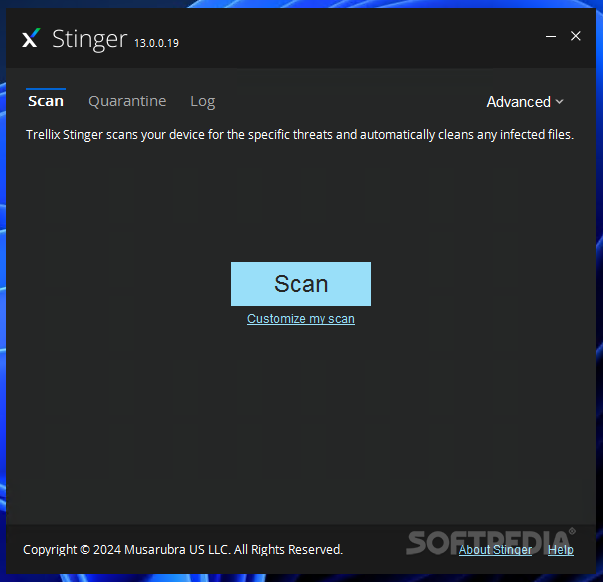
Clean and intuitive interface
The
GUI is user-friendly, made from a regular window with a neatly
organized layout. By default, the application looks only into system
areas where viruses are known to hide, such as program files and the
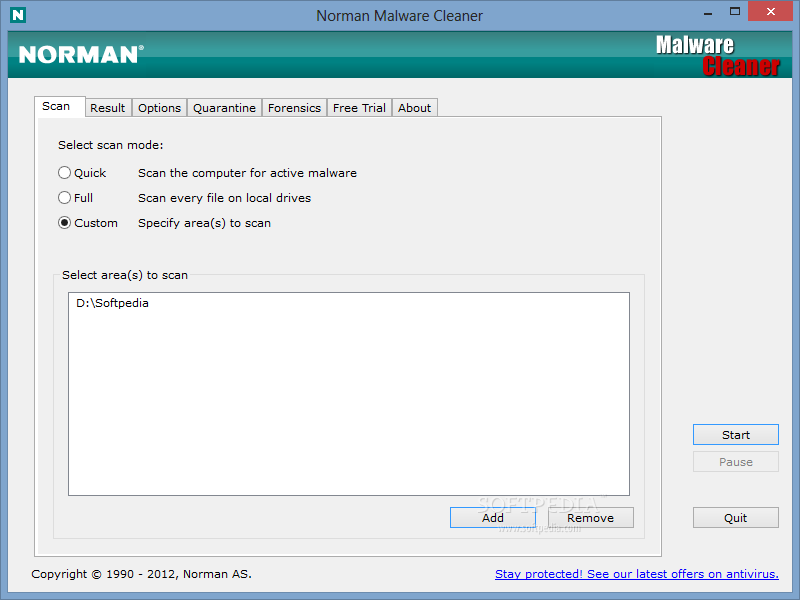
Windows directory. However, you may customize the scan and reduce its
duration by handpicking a drive or directory.
Identifies and quarantines malware
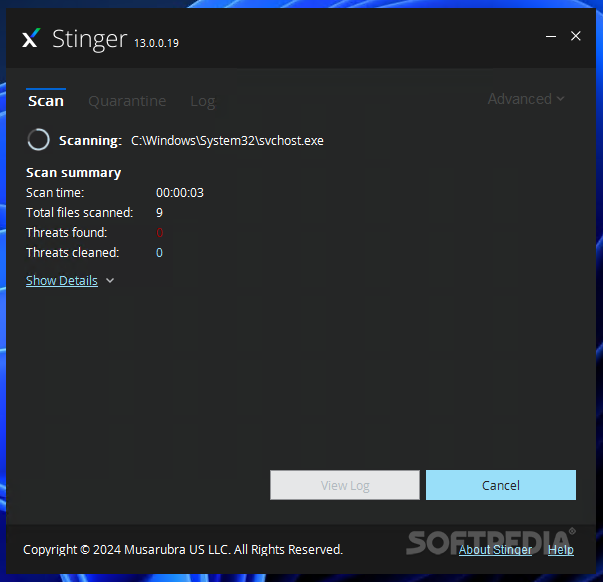
During
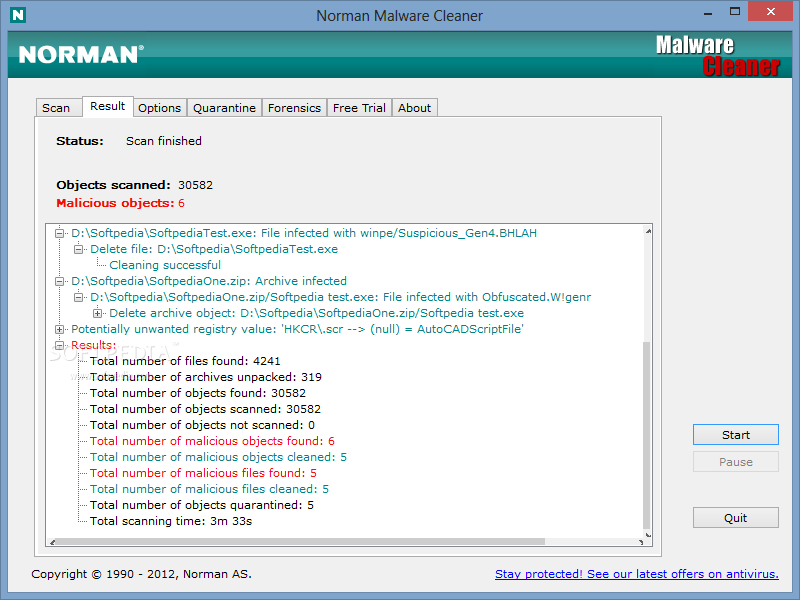
scanning you can view the currently verified file, scan time and total
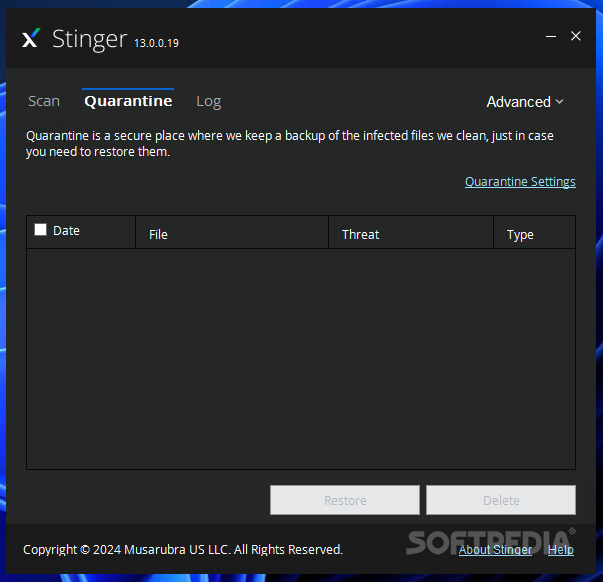
files scanned, along with found and cleaned threats. Any suspicions are
sent to the quarantine, where you can decide whether to keep or remove
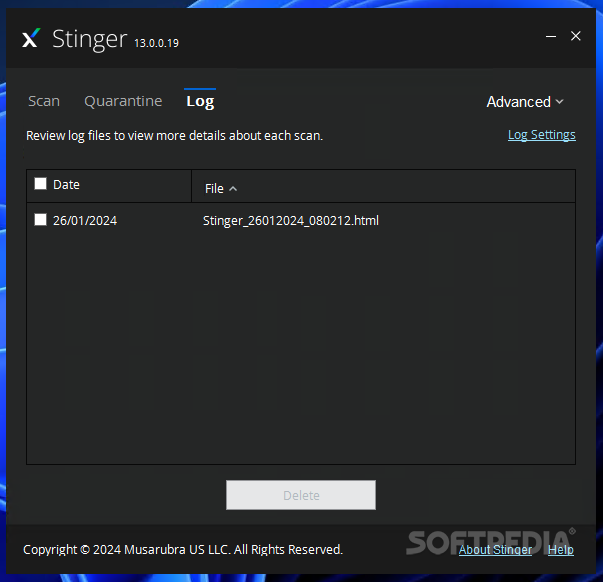
the files in question. Log details may be examined in separate files. It
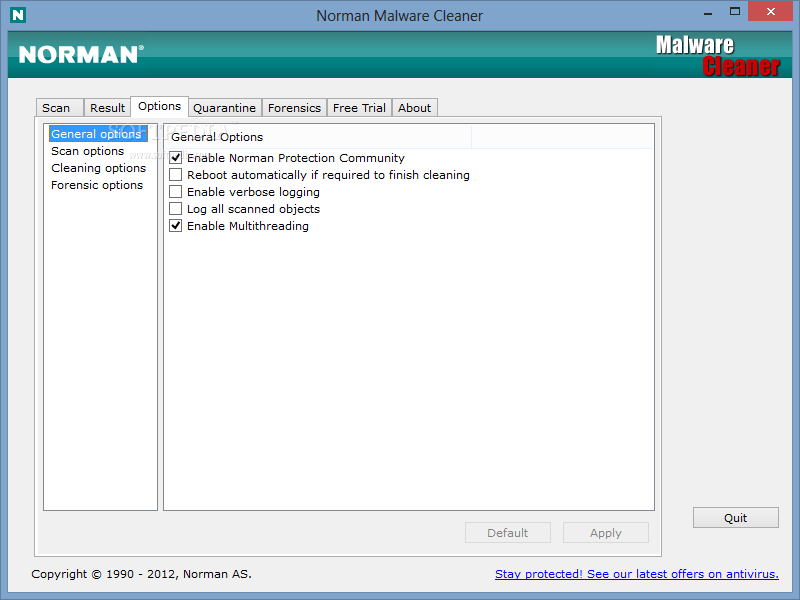
is possible to modify the quarantine's default location and include all
scanned files in logs.
Evaluation and conclusion
The
tool uses moderate RAM and low CPU during scanning, which may take a
while, depending on the target's size. However, we have come across some
issues in our tests. McAfee Stinger wouldn't take into account the
custom locations we assigned for scanning, and kept running in default
mode instead.
Nevertheless, users are welcomed to try McAfee Stinger for themselves and figure out if it's a suitable on-demand virus scanner for them. Just keep in mind that it does not provide real-time protection against malware, so you still have to install an all-round antivirus application to keep the PC safe at all times.
Nevertheless, users are welcomed to try McAfee Stinger for themselves and figure out if it's a suitable on-demand virus scanner for them. Just keep in mind that it does not provide real-time protection against malware, so you still have to install an all-round antivirus application to keep the PC safe at all times.
Reviewed by Elena Opris on July 11th, 2014